


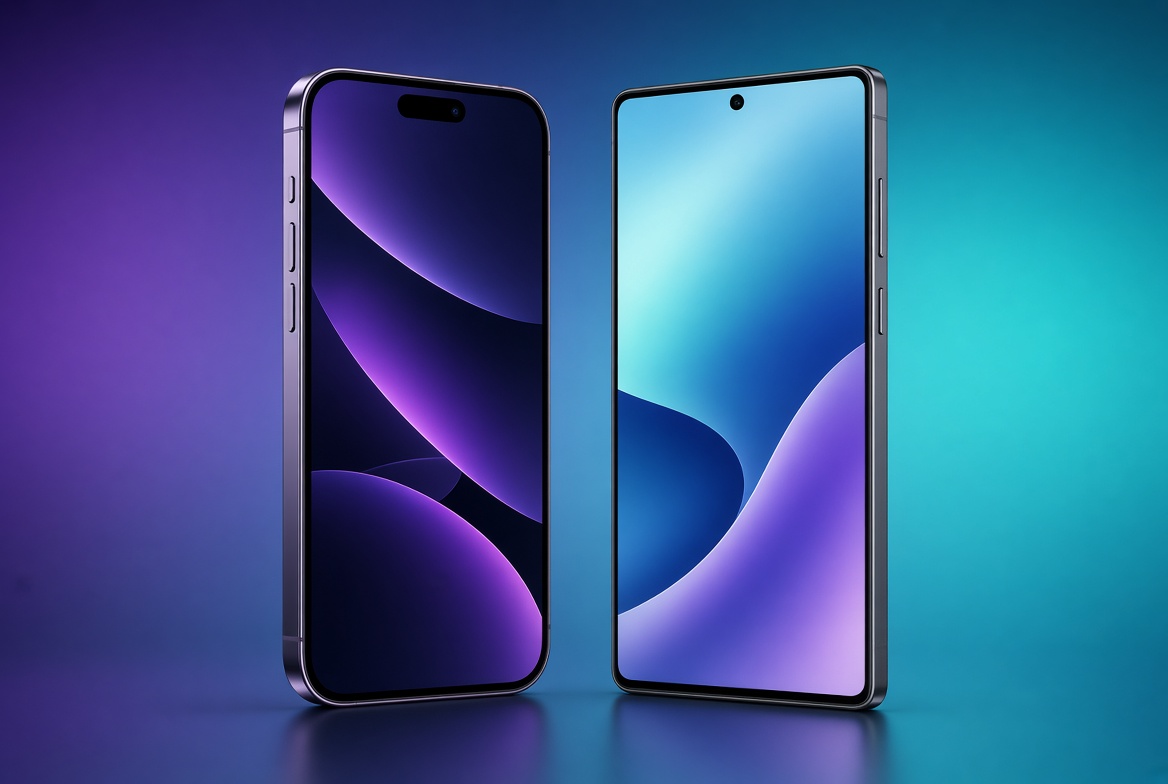
Switching from iPhone to Android can feel pretty great at first with all the cool customization options and phone choices, but it definitely comes with some annoying headaches. After years of being used to how Apple does things, moving over to Android brings up a few frustration points you might not expect.
The biggest issue right away is losing iMessage and FaceTime. Group chats with your friends who still have iPhones can get messy fast, and sending high-quality videos to them suddenly becomes way more complicated than it should be. If your whole family or friend group relies on Apple features to stay in touch, you will definitely feel a bit left out.
Another huge problem is if you already own other Apple devices. If you have an Apple Watch, it basically turns into a paperweight without an iPhone. Features like copying text on your phone and pasting it on your Mac, or quickly sending files back and forth, stop working instantly. You can find workarounds, but they never feel as smooth.
Then there is the apps. Even though almost every major app exists on Android, a lot of developers still optimize their apps for iPhone first. You might notice that social media apps like Instagram do not look as crisp, or that camera quality inside certain apps is not quite as good.
Finally, getting used to a new layout takes time. Android phones come from different brands, so the settings, menus, and updates work differently depending on what device you buy. On an iPhone, everything gets updated at the exact same time, but on Android, you might end up waiting months for a software update.
Switching is totally doable if you really want a change, but going in knowing these downsides will save you a lot of annoyance along the way.


Conversation
2 CommentsCommenting as Guest
Log in | Sign up